Set Up CleanSlate
Here is what setting up looks like, start to finish. The setup itself takes about 3 minutes. The last two steps happen on your first real clean and your first invoice.
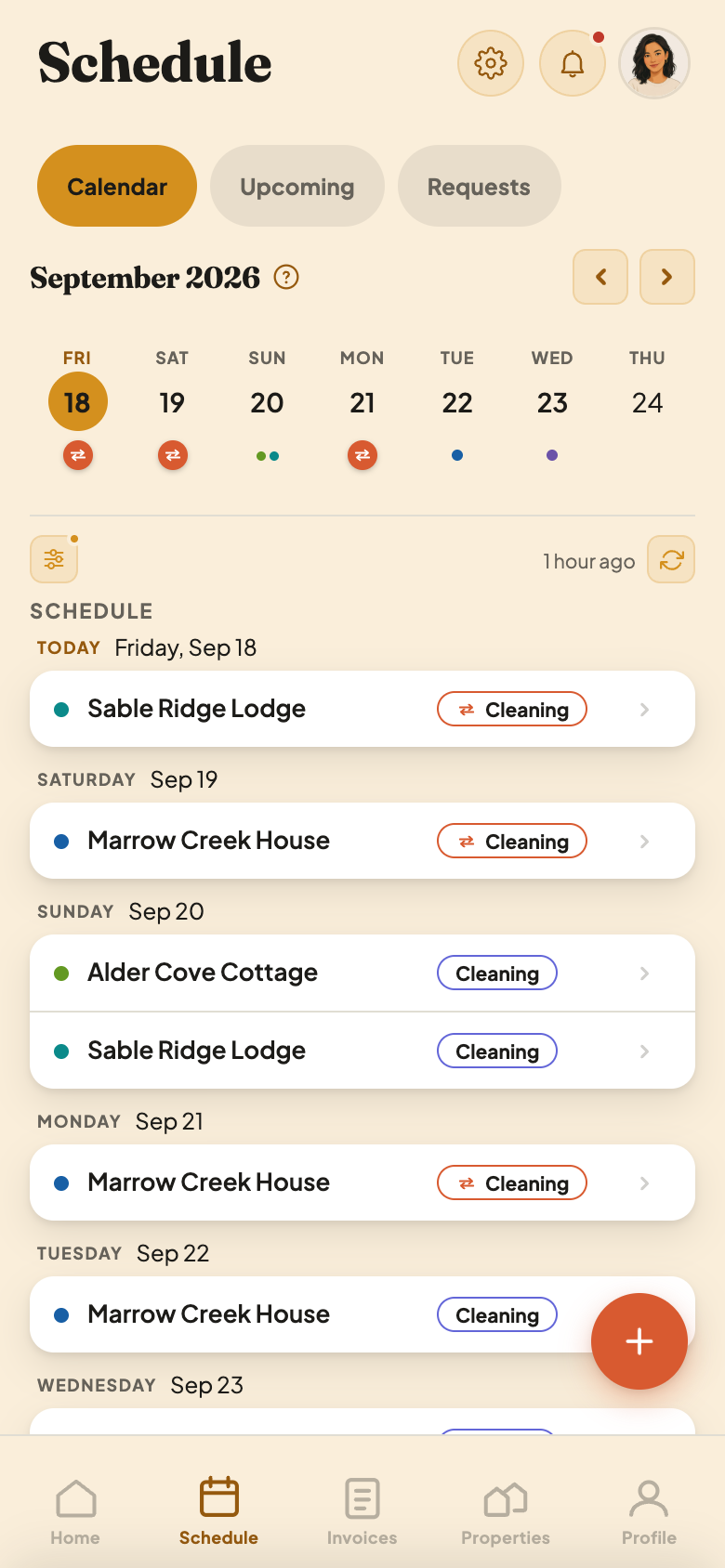
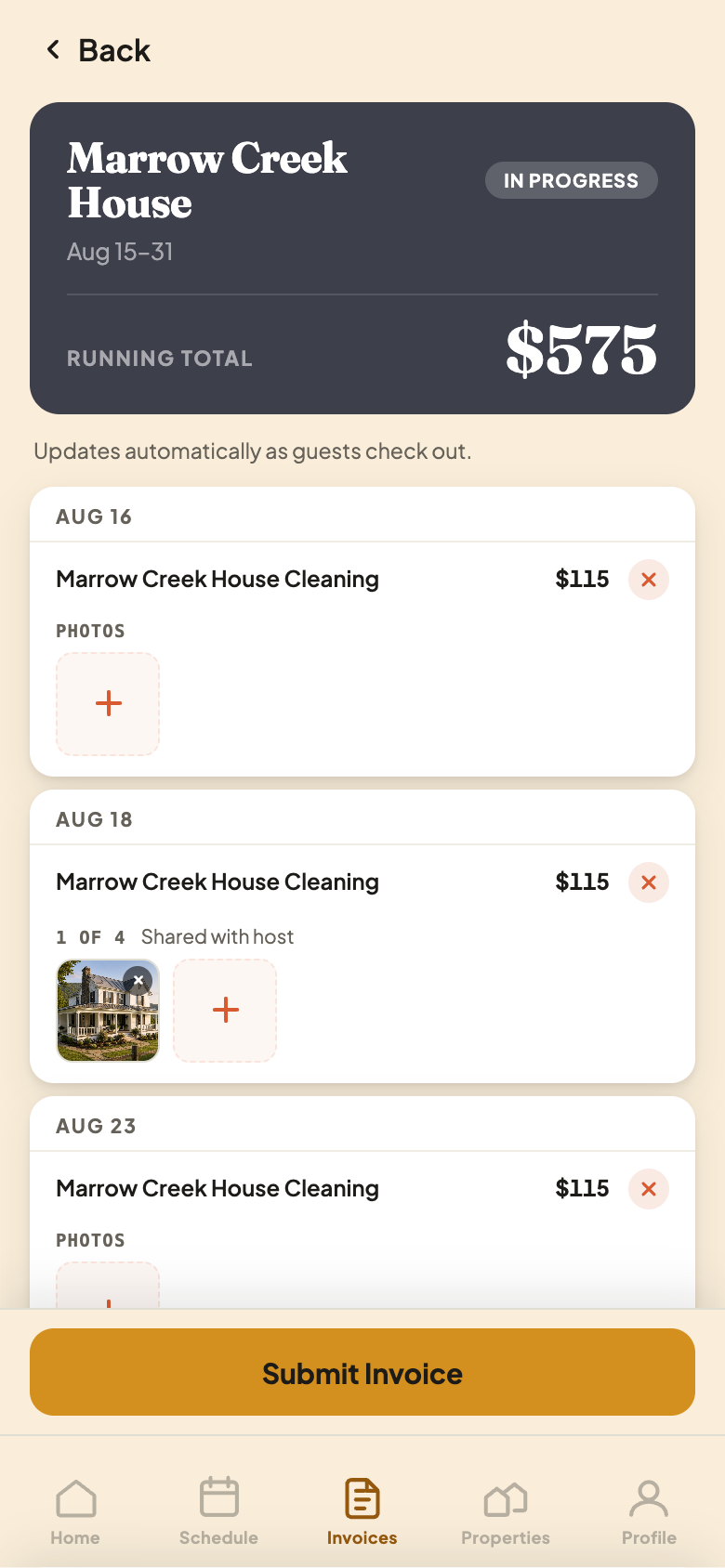
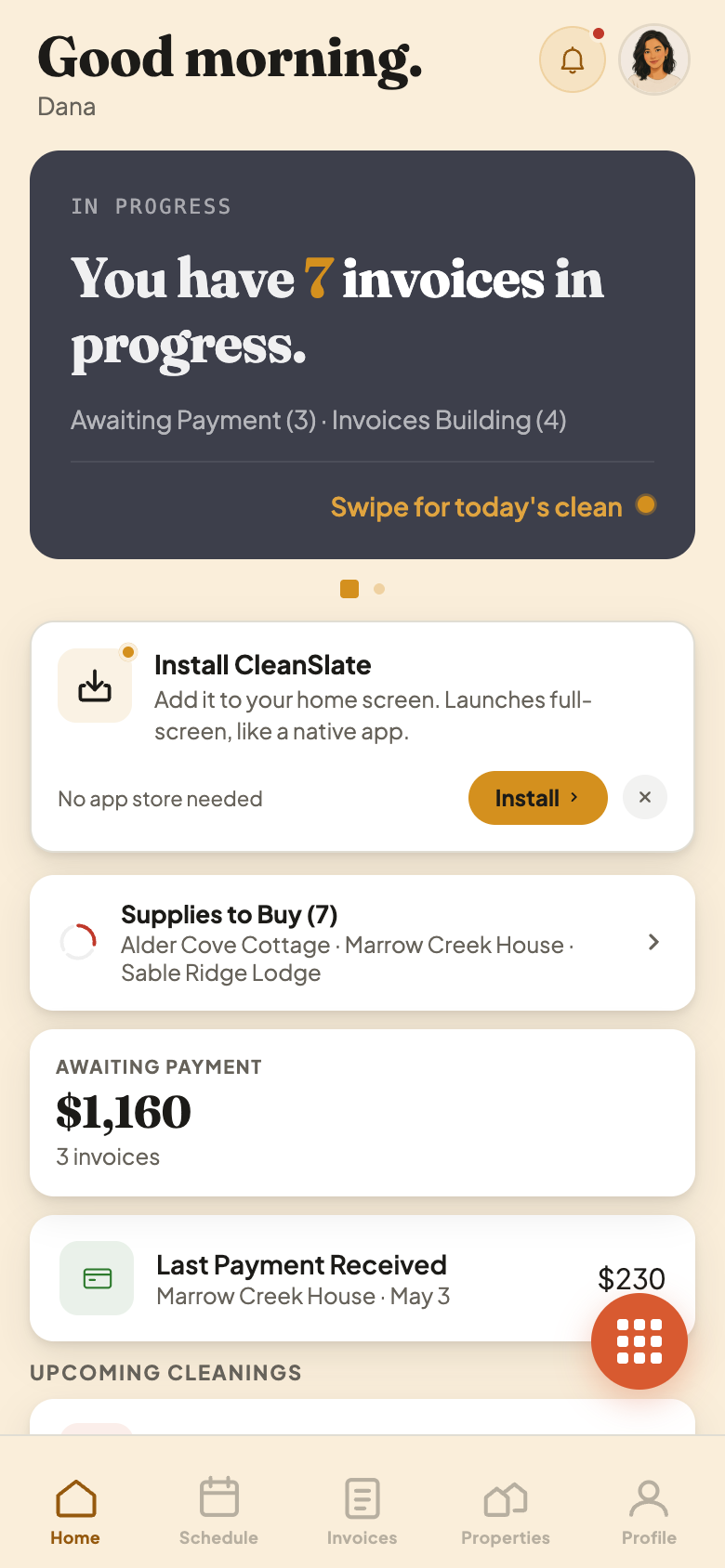
Add Your Property
Setup starts with the houses you clean. Each one gets a name you would say out loud, like Lake House, because that is the name your host sees on every invoice. It takes a minute per house, and you can change any of it later.
Clean several houses for the same host? Each one is added on its own, so each keeps its own schedule and its own invoices.
Connect Your iCal Link
This is the step that does the heavy lifting. Airbnb and Vrbo each give every listing a calendar link. Once that link is in CleanSlate, every checkout shows up as a cleaning by itself, and nobody types a booking in by hand. It is a copy and a paste.
Clean regular homes rather than short-term rentals? There is no guest calendar to connect. You skip this step and add those cleanings yourself.
Set Your Rate
You tell CleanSlate what you charge for a clean, by the job or by the hour. Anything extra you charge for, like laundry or a hot tub, goes on a rate sheet. You price it once and never work it out again mid-invoice.
Read Create a Rate Sheet. Still working out what to charge? The website has a rate-sheet template and a price calculator on its Resources page.
Invite Your Host or Cleaner
This is where the app stops being a notebook and starts doing the work. Once the other side is in, you both see the same schedule, and invoices reach them without you writing an email.
Read Invite Your Host or Cleaner. You can set up everything above first and invite them whenever you are ready.
Run Your First Clean
Nothing about the clean itself changes. You do the job the way you always do, then tap to mark the house clean. Your host hears straight away, and that tap is what the invoice is built from.
Read Mark a House Clean. The website also has a printable turnover checklist on its Resources page.
Review and Send Your First Invoice
Every checkout is already a line on it. You look it over, add anything extra you bought or did, and send it. After the first one, it is routine.
Questions before you start, or stuck partway through? Email support@thecleanslateapp.com and a real person will answer. We can also walk you through setup on the phone.