Add a Line Item to an Invoice
Add something extra to an invoice you're building, priced from your Rate Sheet. Works the same for a short-term rental or a regular home.
Open Add Item(s) Below Your Cleanings
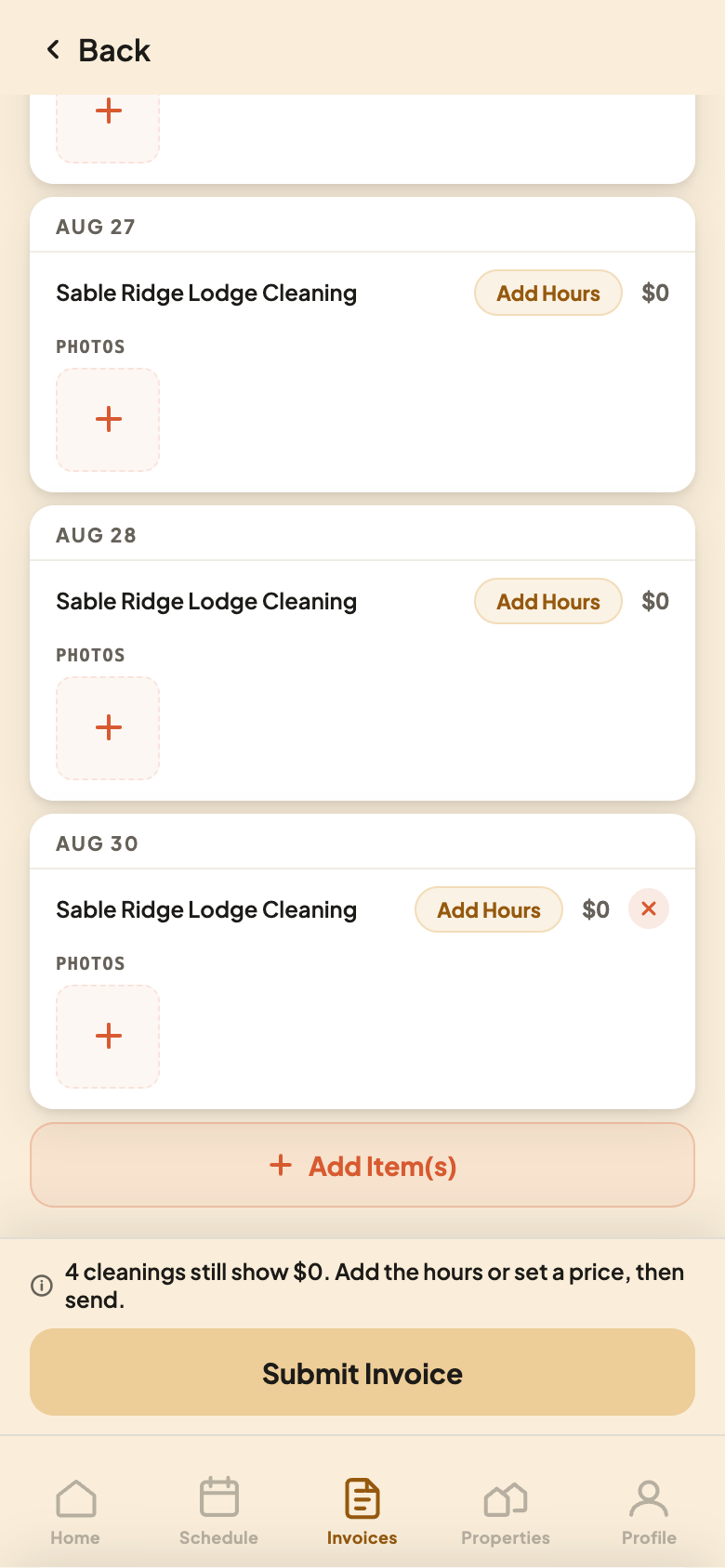
Open the invoice you're building from the Current tab. Below your cleanings, tap Add Item(s).
Pick the Day and Check Off What You Did
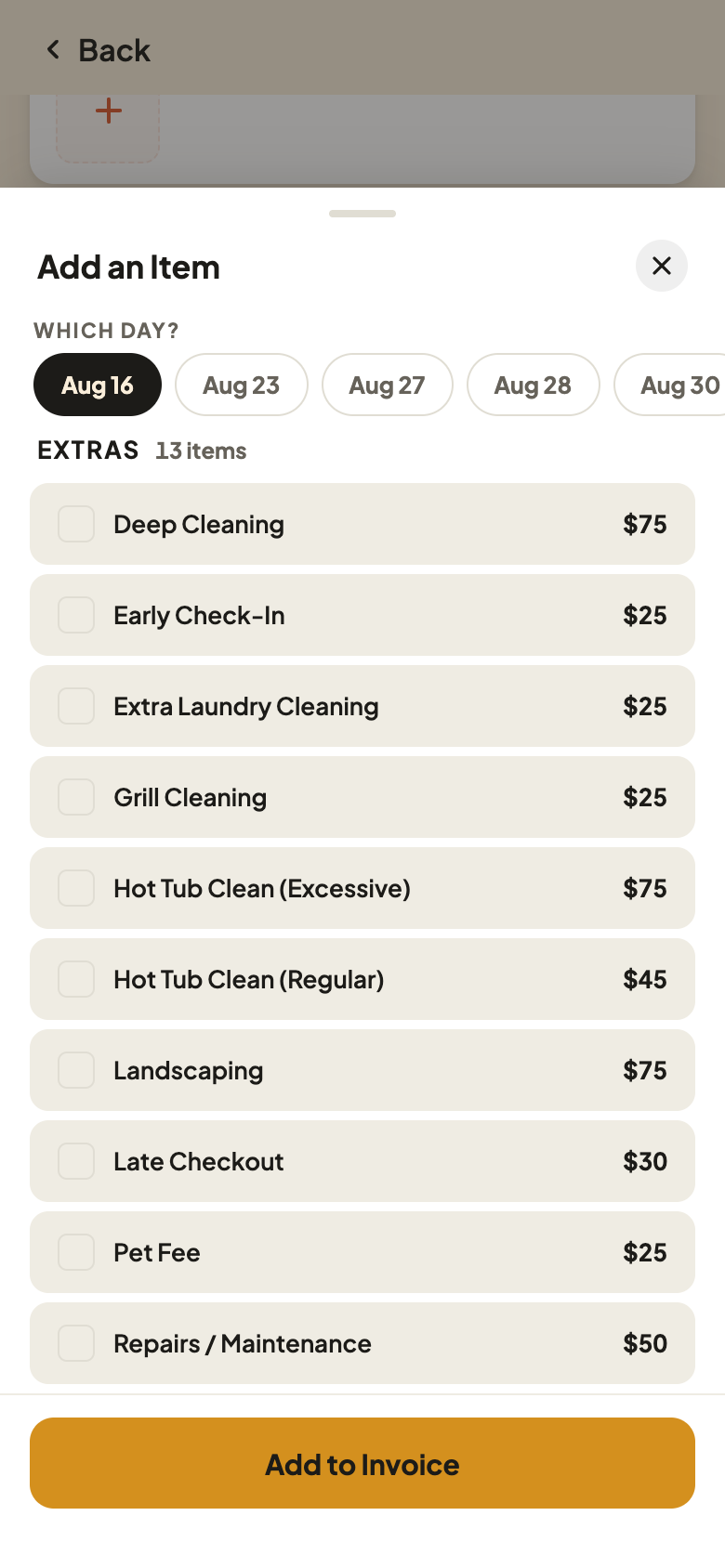
Pick which day the item belongs to, then check off anything you did that's already on your Rate Sheet. A priced item shows its price. One with no price yet shows Set Rate instead — you can still check it off, but you won't be able to submit until it has a price.
Reading the Add-an-Item Sheet
- 1Which day? Pick the visit this item belongs to.
- 2Priced from your Rate Sheet. This one's already on it, so it shows its price. A new item you haven't priced yet shows Set Rate instead.
Below the list you can also add a Charge for something extra you did, or a Credit for a discount, with your own description and amount.
Tap Add to Invoice
Tap Add to Invoice to finish. The item joins the invoice you're building. Changed your mind? Tap the X next to it to remove it, any time before you submit.
Nothing reaches your host until you tap Submit Invoice, so add items whenever you think of them.